Available now for macOS and Windows

macOS signed + notarized Windows x64 installer

Keep reference images pinned without letting the viewer get in the way.

Float opens fast, stays above your editor or browser, and now gives the polish work a pinned reference tool actually needs: a dedicated settings window, real native opacity, looping slideshows, and viewer windows that keep their own image state.

Choose your platform

Native app. No account. Downloaded directly from GitHub Releases.

What’s new in v2

Polish that makes Float feel complete without making it heavier.

Dedicated settings window Real native opacity Looping slideshow playback Per-window image isolation Smarter overlay controls Better empty and load-failure states

Settings that stay off the image

Use a clean dedicated panel for durable behavior and appearance controls.

Adjust slideshow timing, opacity, aspect lock, and click-through behavior in a separate settings window instead of covering the file you are actively referencing.

Multi-window integrity

Open more than one Float window without one image selection stomping another.

Each viewer window keeps its own active image and navigation state, so you can pin a mockup in one spot and a cheat sheet in another without the app losing track.

Slideshows that feel finished

Set the interval once, then cycle through a selected image set in a loop.

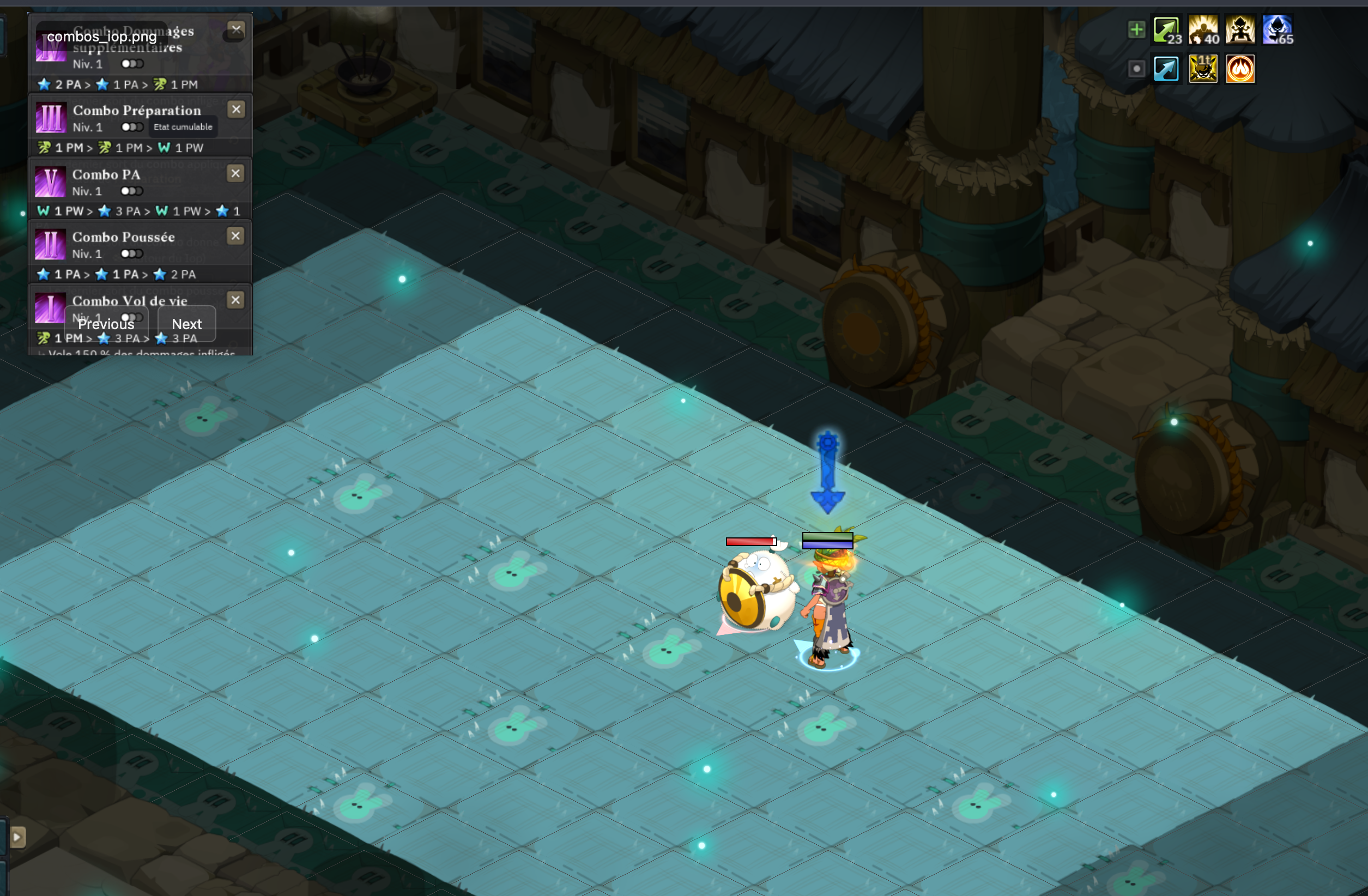
Open multiple images in one window to get Previous, Next, and slideshow controls that only appear when they are actually useful.

Calmer viewer chrome

Empty, missing, and failed-load states read like product decisions, not mistakes.

Float stays intentionally sparse while giving clearer feedback when a file is missing, unreadable, or simply not loaded yet.

Release details

Pick the right build, install in a minute, and get back to work.

Direct download

  • macOS: signed, notarized universal DMG
  • Windows: direct x64 installer
  • Distribution: GitHub Releases with stable asset names
  1. Download the latest macOS DMG or Windows setup file.
  2. On macOS, drag Float into Applications. On Windows, run the installer.
  3. Launch Float, press ⌘O or Ctrl+O, and open your first image or image set.
  4. Press ⌘, or use Settings to tune opacity and slideshow timing.